WhatsApp AI Reply & Automation
Choose the Right Tool for Your Business
Automate answers, route to the right team, and hand over seamlessly to a human agent — all inside WhatsApp. Set up AI Reply with your own business information and test the languages your customers use.
Marketing, Utility and Authentication templates are charged per message. Under our platform billing, inbound customer messages in a Service conversation are billed once per 24-hour session, while each reply you send is billed per message. Rates depend on the message category and destination. Ask us for current Philippine peso rates.
6 Core Capabilities of WhatsApp + AI
Our WhatsApp AI system is built on the official WhatsApp Business API — combining approved templates with a natural language AI engine for seamless, intelligent customer interactions.
⚡ Instant Answers (FAQ)
Answer common questions 24/7 — pricing, product info, business hours, PBX extensions. Use MENU shortcuts and quick replies.
🧑💼 Smart Agent Handover
Let users type AGENT anytime. Keep the same WhatsApp thread — full chat history visible to the human agent.
✅ Official WABA Templates
WhatsApp-approved templates for greetings, OTP, alerts, and proactive notifications — with interactive buttons and personalised variables.
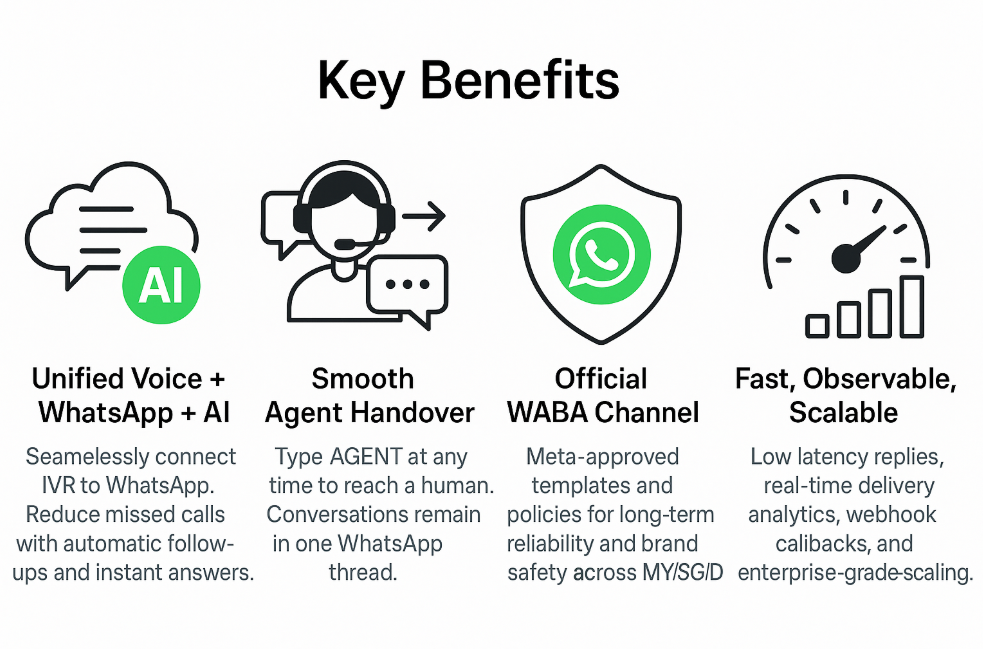
📊 Fast & Observable
Low-latency replies, delivery receipts, and webhook callbacks. Export conversation logs for QA and compliance.
🌐 Multilingual Replies
Prepare and test answers in English, Malay and Chinese for customers who use those languages. Ask us about support for other languages.
🔀 Smart Routing
Switch knowledge bases on demand — type 9 for PBX help. Route by topic, VIP status, or business hours.
Which WhatsApp AI Tool Do You Need?
Use AI Reply for questions about your business. Choose a custom journey when the conversation needs live data or actions in your systems.
| You want to… | Use | How it works |
|---|---|---|
| Answer questions about products, prices, policies and opening hours | AI Reply | You set up knowledge bases in the portal; customers can ask for your team. No extra AI fee; WhatsApp message charges apply. |
| Check live order status, book appointments or verify accounts | Agentic Journey Flow | Our team builds a journey and connects it to your APIs. Setup is quoted per project. |
| Continue a phone call in WhatsApp | Cloud PBX + WhatsApp AI | Connect your phone system to a WABA conversation and AI Reply. |
| Send outbound alerts, promotions or OTP | WABA templates | Use approved templates and customer opt-in; AI Reply only handles incoming enquiries. |
Popular Use Cases
Examples of WhatsApp AI for Philippine businesses — from customer support to internal operations.
| Use Case | What It Looks Like in WhatsApp |
|---|---|
| Support & Troubleshooting | Self-serve FAQs, setup guides, PBX extension lookup, outage notices, and ticket creation. |
| Sales & Lead Capture | Pre-qualify leads, capture contact details, share brochures, schedule demos, handover to agent for closing. |
| Account & Billing | Plan info, payment reminders, invoices, usage FAQs, links to secure payment pages. |
| Proactive Notifications | Service updates, appointment reminders, onboarding journeys — using approved templates and opt-in rules. |
| PBX Help (type 9) | PBX extensions, calling codes, voicemail setup, softphone download links — via Cloud PBX knowledge base. |
| Human Escalation (AGENT) | Type AGENT for immediate handover; agent continues in the same WhatsApp thread. |
| Booking & Appointments | A connected journey checks availability and confirms the booking; AI Reply can share a booking link. |
| Order Tracking | A connected journey checks your order system and replies with live status. |
| Surveys & CSAT | 1–3 question pulse surveys after interactions; measure CSAT/NPS right inside WhatsApp. |
| Store / Branch Finder | User shares city/area; AI replies with nearest branches, hours, and Google Maps links. |
| Document Sharing | Send brochures, invoices, PDF guides; AI can summarise and link to relevant sections. |
Example User Prompts & AI Responses
| User Says | AI Responds |
|---|---|
| "What plans do you have for SMEs?" | Summarises SME plans, shares brochure link, offers to connect to an agent. |
| "How to set voicemail on Cloud PBX?" | Step-by-step guide. Offers a MENU shortcut for PBX topics. |
| "Where's my order #12345?" | Pulls current delivery status and tracking link. Offers updates. |
| "I need a human." | Asks a quick reason and transfers to an AGENT in the same thread. |
| "Speak Bahasa." | Switches to BM automatically for the rest of the conversation. |
Business Benefits
Reduce Missed Calls
Send WhatsApp follow-ups automatically when the line drops or agents are busy — no customer left waiting.
Faster First Response
AI replies within seconds — dramatically improving time-to-first-response and overall customer satisfaction.
Seamless Agent Handover
Keep the same WhatsApp thread when a human takes over — no context lost, no customer frustration.
Policy Compliant
Operate via official WABA templates and WhatsApp-approved policies to maintain your sender reputation.
Lower Support Cost
Deflect FAQs and simple tasks to AI — free your human agents to focus on complex, high-value cases.
24/7 Availability
Available around the clock when enabled, with working hours you can configure in the portal.
Frequently Asked Questions
Do I need a WhatsApp Business API (WABA) account?
AI Reply runs on a WhatsApp Business API number with BulkSMS. Our team can help you set up or move your number.
Can I keep my current SMS/OTP setup while adding WhatsApp AI?
Yes. We can map your existing API to approved WhatsApp templates while you migrate at your own pace — no downtime required.
What languages are supported?
AI Reply can use English, Malay and Chinese. Test the languages your Philippine customers use and ask our team about additional language support.
How does agent handover work?
Users type AGENT at any time. We notify your team immediately and keep the full conversation history in the same WhatsApp thread for seamless continuity.
How long does it take to deploy?
Timing depends on your WABA number, knowledge base and any required integration. Contact our team for a setup plan.
Launch WhatsApp + AI for Your Business
Start with our standard sender or bring your verified number. We'll help with template approvals, knowledge base setup, and full deployment.
📞 +603 2780 3880 (Toll Free) · +6016 450 2380 (KL)