Cloud PBX + WhatsApp Business API
with AI Reply
Automate call follow-ups on WhatsApp, answer instantly with AI, and hand over to a human agent when needed. Connect your IVR to WhatsApp in days — no new app required for your customers.
Marketing, Utility and Authentication templates are charged per message. Under our platform billing, inbound customer messages in a Service conversation are billed once per 24-hour session, while each reply you send is billed per message. Rates depend on the message category and destination. Ask us for current Philippine peso rates.
Step-by-Step: Cloud PBX → WhatsApp → AI → Agent
Our integrated solution connects your Cloud PBX IVR to WhatsApp Business API and AI Reply. When a caller selects a menu option, the system drops the call and initiates WhatsApp — where AI handles the conversation instantly.
| Step | Description |
|---|---|
| 1 | Incoming Call (Cloud PBX IVR): Caller dials your main number. IVR options: 7 = Agent, 8 = SMS & WhatsApp Business API, 9 = Cloud PBX Info. |
| 2 | Call Ends & WhatsApp Initiates: After selection, Cloud PBX drops the call and auto-sends a WhatsApp message to the caller's number. |
| 3 | Auto Greeting: User receives a WhatsApp greeting (approved template) with next steps and quick-reply hints. |
| 4 | AI Answers: AI Reply uses your knowledge bases for PBX help, products and support. If an answer is missing, it sends your fallback message instead of guessing. |
| 5 | Type "MENU" to bring back the available topics after any answer. |
| 6 | Choose a topic such as Cloud PBX help, or ask a question directly. Each topic uses its own knowledge base. |
| 7 | Type "AGENT" or choose “Talk to our team” to reach a person. AI pauses for that customer. |
| 8 | Agent Takeover: Your staff continue in the same WhatsApp chat through the Conversation inbox while AI stays paused. |
Why Cloud PBX + WhatsApp + AI?
Unified Voice + WhatsApp + AI
Seamlessly connect IVR to WhatsApp. Reduce missed calls with automatic follow-ups and instant AI answers — no customer left waiting.
Smooth Agent Handover
Customers can ask for an agent at any time. Your team sees the conversation in one WhatsApp chat.
Official WABA Channel
WhatsApp-approved message templates and policies — ensuring long-term reliability and brand safety across Philippines, Malaysia, and Indonesia.
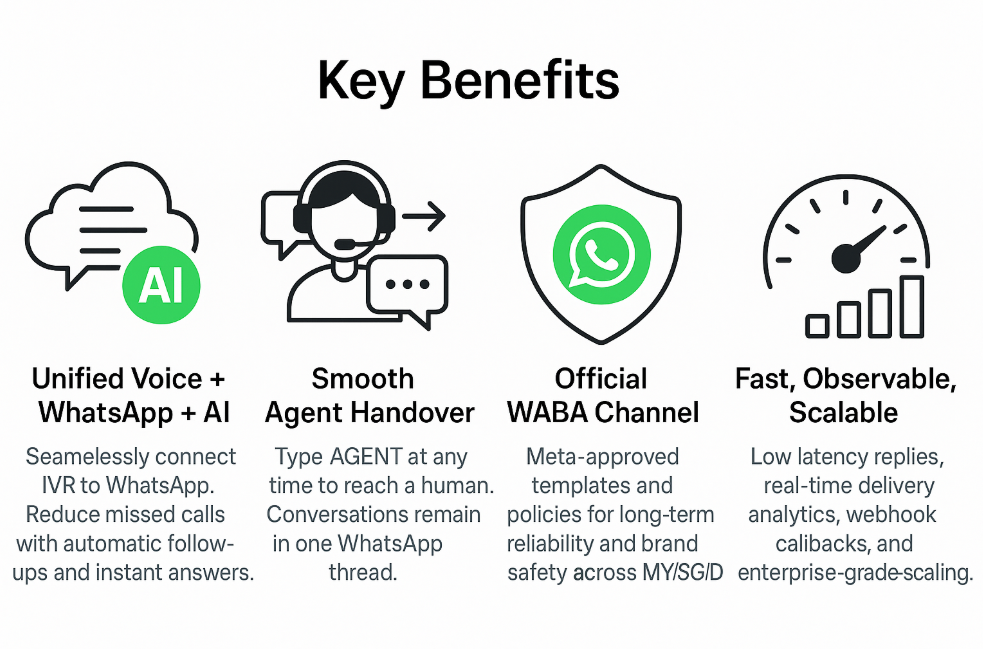
Fast, Observable & Scalable
Review AI replies and unanswered questions in the portal so your team can keep improving the knowledge bases.
Sample WhatsApp Messages
| Type | Example Message |
|---|---|
| Initial Greeting | Hi {{name}}, thanks for calling {{brand}}. You selected WhatsApp Support. Ask your question, reply MENU to view topics, or AGENT to chat with our team. |
| MENU | Available options: 1) Billing 2) Technical Support 3) Cloud PBX Help 4) Talk to an AGENT |
| AGENT Handover | Thanks! Transferring you to a {{brand}} agent now. Please hold — our team will reply shortly in this thread. |
Deploy WhatsApp + AI in Days
Ask our team about connecting your Cloud PBX to WhatsApp on your BulkSMS WABA number. We can help with templates, knowledge bases and setup.
📞 +603 2780 3880 (KL) · +603 2780 3801 (WhatsApp) · sales@mobiweb.com.my